Team cashbox
Manage it flexibly, with many options for shared income and expenses.
Organise together. Settle clearly.
Manage it flexibly, with many options for shared income and expenses.
At shared events, the cashbox pays or participants pay privately in advance. Record expenses immediately and settle them with the cashbox later. Nobody owes another person money and everyone keeps track.
| Only the cashbox manager buys | Invited members and participants remain free |
|---|---|
| No bank details needed | Record expenses and payments without connecting an account |
| No ads. No subscription. | No automatic renewal |
Downloading and trying SiMaDoo does not trigger a purchase. A package is paid only after explicit purchase confirmation in the app. If you buy early, the paid term starts after the three free months.

How to use SiMaDoo
Each step shows the actual screen, the next action and the immediate benefit.
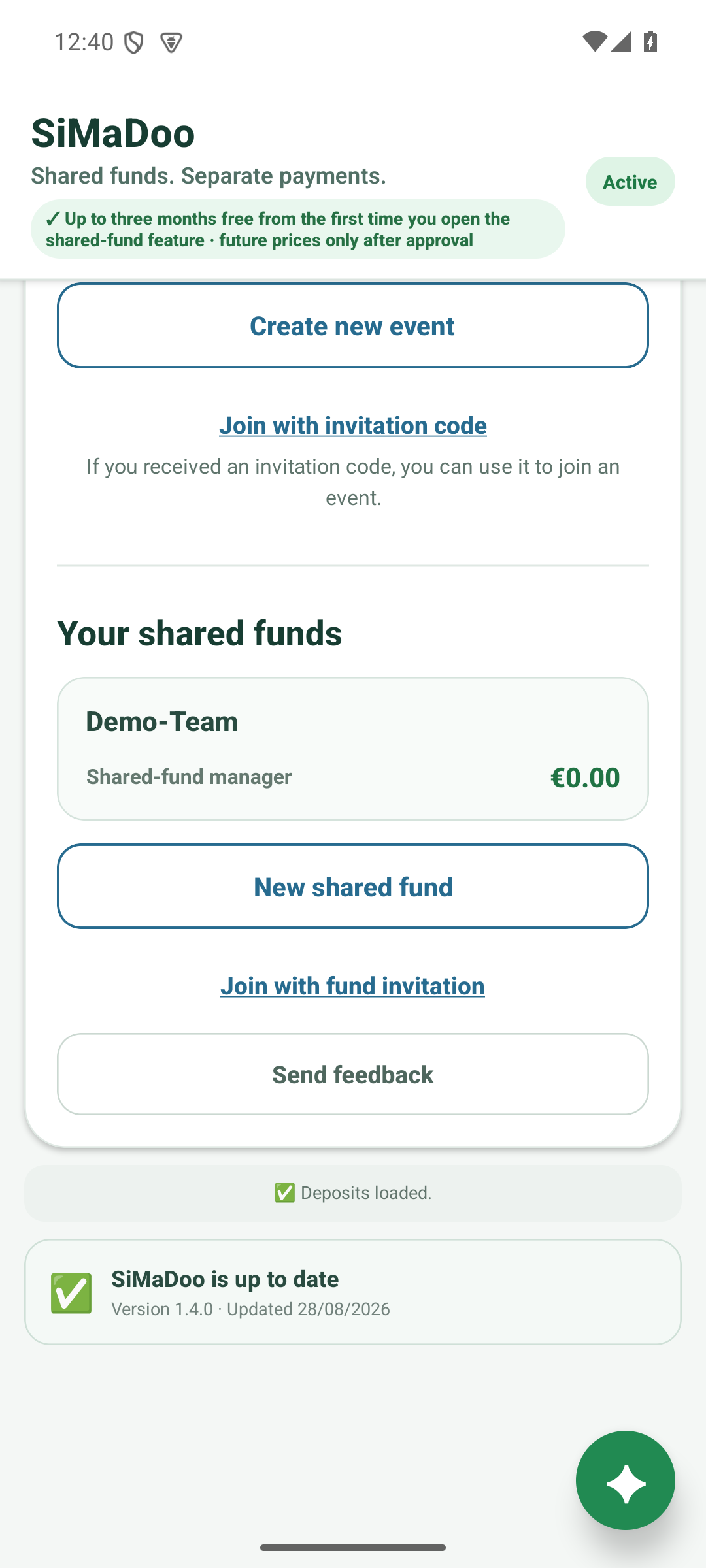
Start
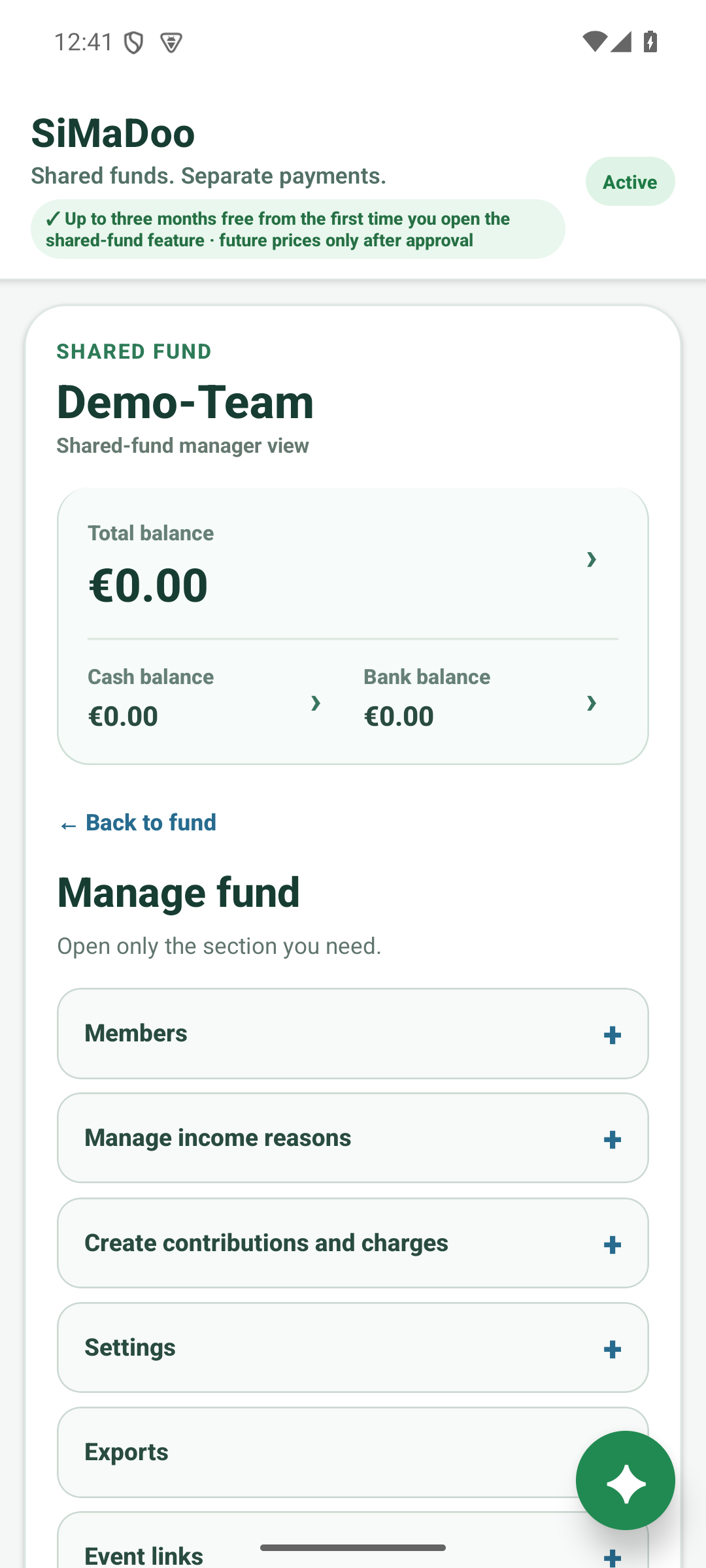
Shared fund
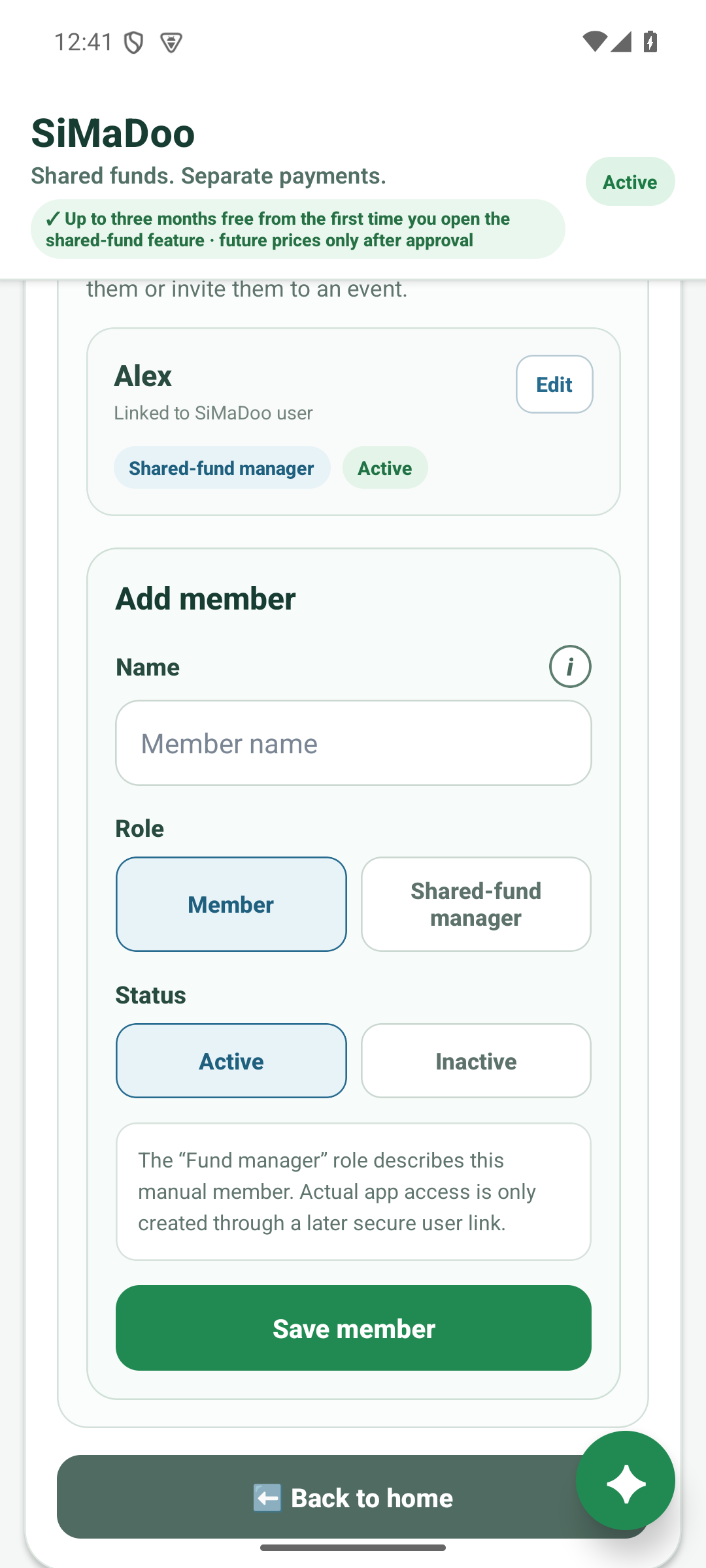
Team fund
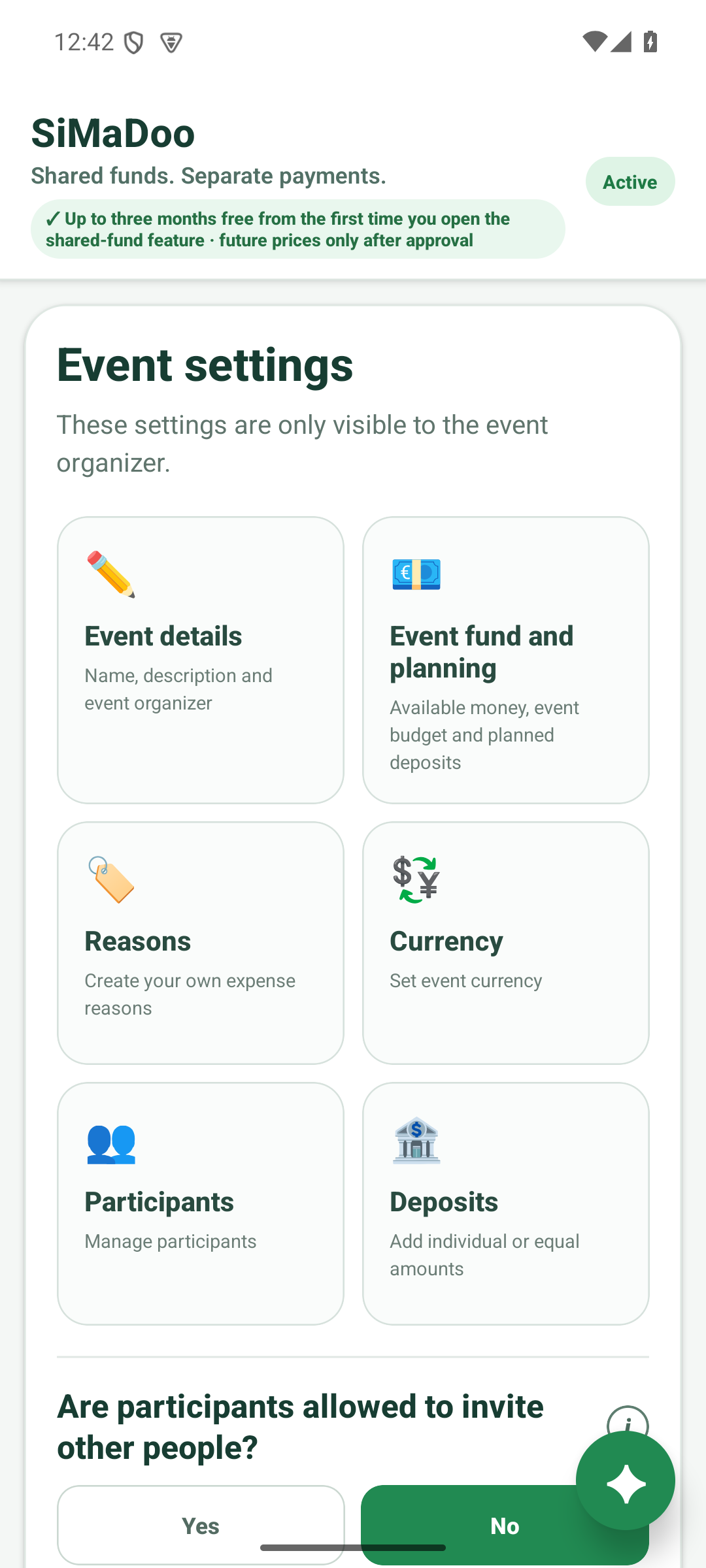
Event management
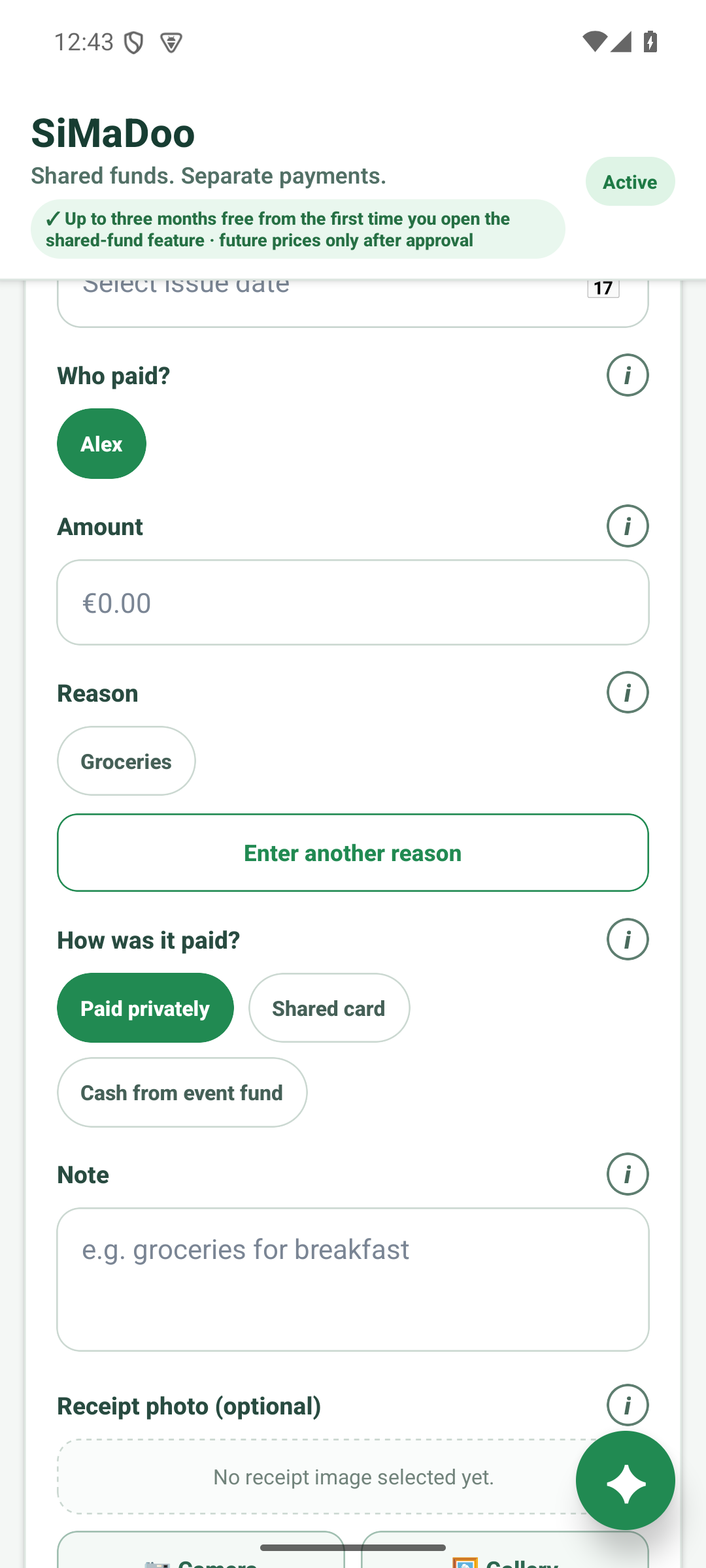
Booking
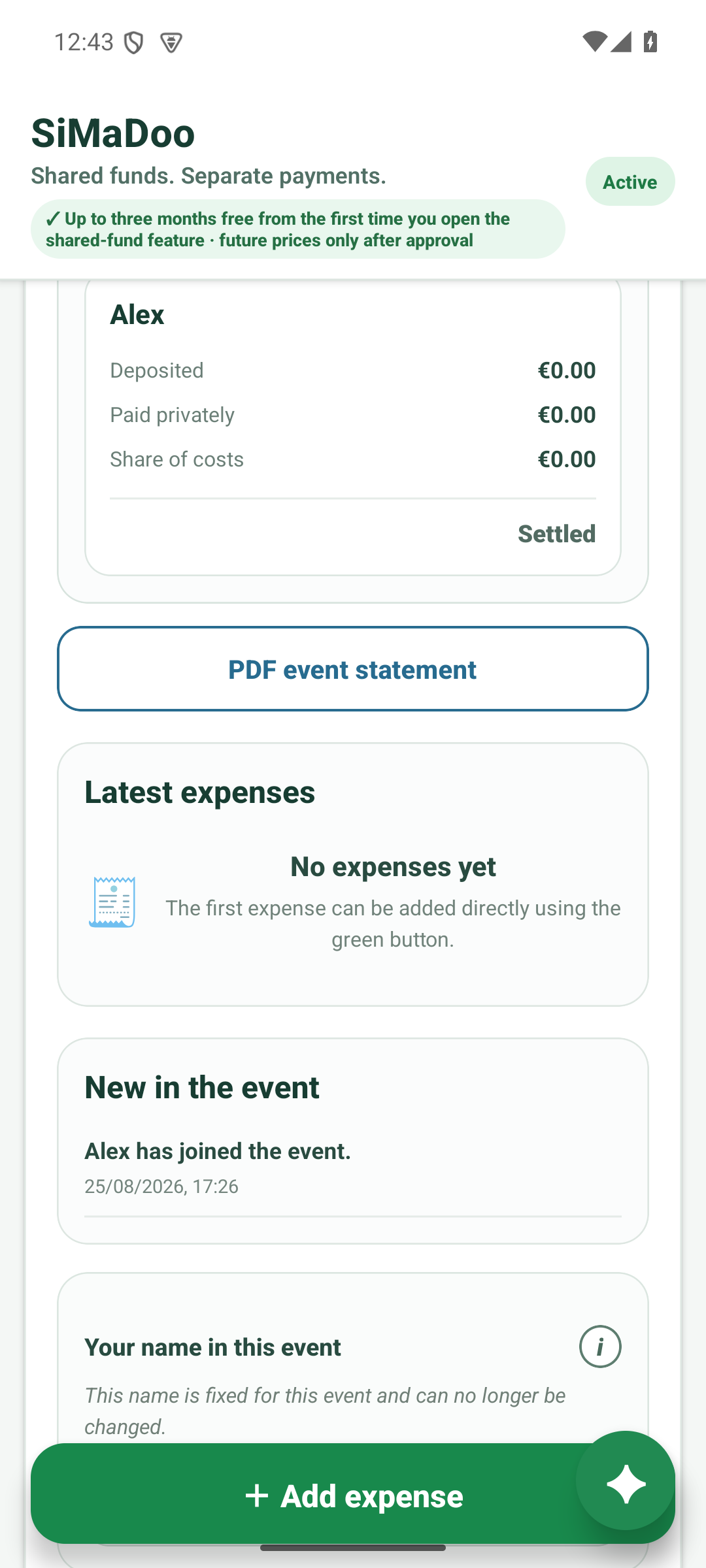
Result
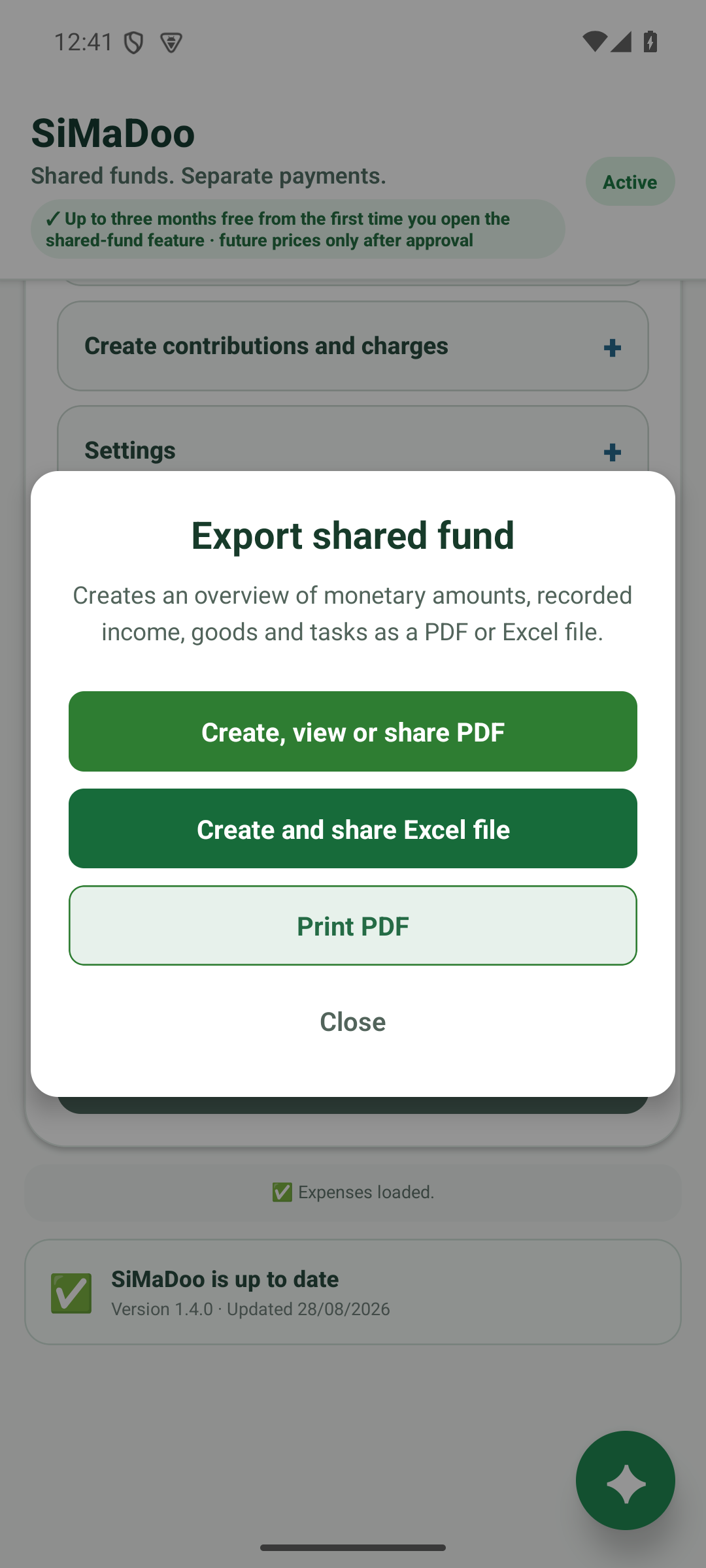
Take your data
All sample data is fictional.
Personal access. Clear roles.
Free for invitees: Invited members and participants do not need their own paid plan for personal access.
Transfer cashbox management securely
Current cashbox management can be transferred to an active member who is already connected to SiMaDoo through an invitation. That person receives management rights; the previous manager remains a regular community member.
One account on every device
The same SiMaDoo account works on Android, iPhone, iPad and the web. Cashboxes, events, roles and invitations remain linked to that account.
On the sign-in screen choose “No account yet? Create account”. Enter an email address and a password of at least 6 characters; the password can be shown if needed.
Open the verification link in the email. The account is fully set up and ready on other devices only after verification.
Enter the same email address and password there and choose “Sign in”. Cashboxes, events, roles and invitations appear with the same account.
On the sign-in screen enter the email address and choose “Forgot password?”. Open the newest link once, set a new password of at least 6 characters, then sign in again.
The web app runs independently at simadoo.com/app/. No app download is required; purchases are disabled in the browser. https://simadoo.com/app/
Frequently asked questions
Key answers about cashboxes, accounts, usage and prices.
It manages shared income and expenses, members, roles, contributions, penalties, donations and exports. The cashbox manager buys; invited members remain free.
It combines deposits, budget and expenses for an event. The event manager keeps track of participants and settlement. The first event is free once: up to five weeks and ten people including the event manager.
Participants can pay privately and record the payer and payment method immediately. The expense is settled with the event cashbox later, so nobody owes another person money.
The account with email and password assigns cashboxes, roles and invitations to the right person. Email verification protects that assignment and restores access on another device.
After verifying the email, sign in with the same email and password. Cashboxes, events, roles and invitations linked to that account appear on the other device.
Yes. The web app runs at simadoo.com/app/ without installation. Purchases are disabled in the browser and happen only after explicit confirmation in the Apple or Google app.
The three free months start when the first team cashbox is created. Downloading and testing do not trigger a purchase. If you buy early, payment is immediate and the twelve paid months start after the trial.
Event cashbox full version: €4.99 permanently. Team Basic: €18.99, Team Premium: €26.99 and Premium package: €28.99, each for twelve months. All are one-time purchases without automatic renewal.
Prices
The team cashbox is free for up to three months. Independently, the first event is free once.
It cannot be linked to a team cashbox. The event cashbox plan applies to further or larger events.
All paid offers are one-time purchases. No subscription and no automatic renewal.
All paid offers are one-time purchases. No subscription and no automatic renewal.
All paid offers are one-time purchases. No subscription and no automatic renewal.
All paid offers are one-time purchases. No subscription and no automatic renewal.
All paid offers are one-time purchases. No subscription and no automatic renewal.
Download free and try it
Purchases and renewals are available only in the store apps. No payment through this website.

